Find Yourself Here
Charlotte Campus
Discover JWU Charlotte
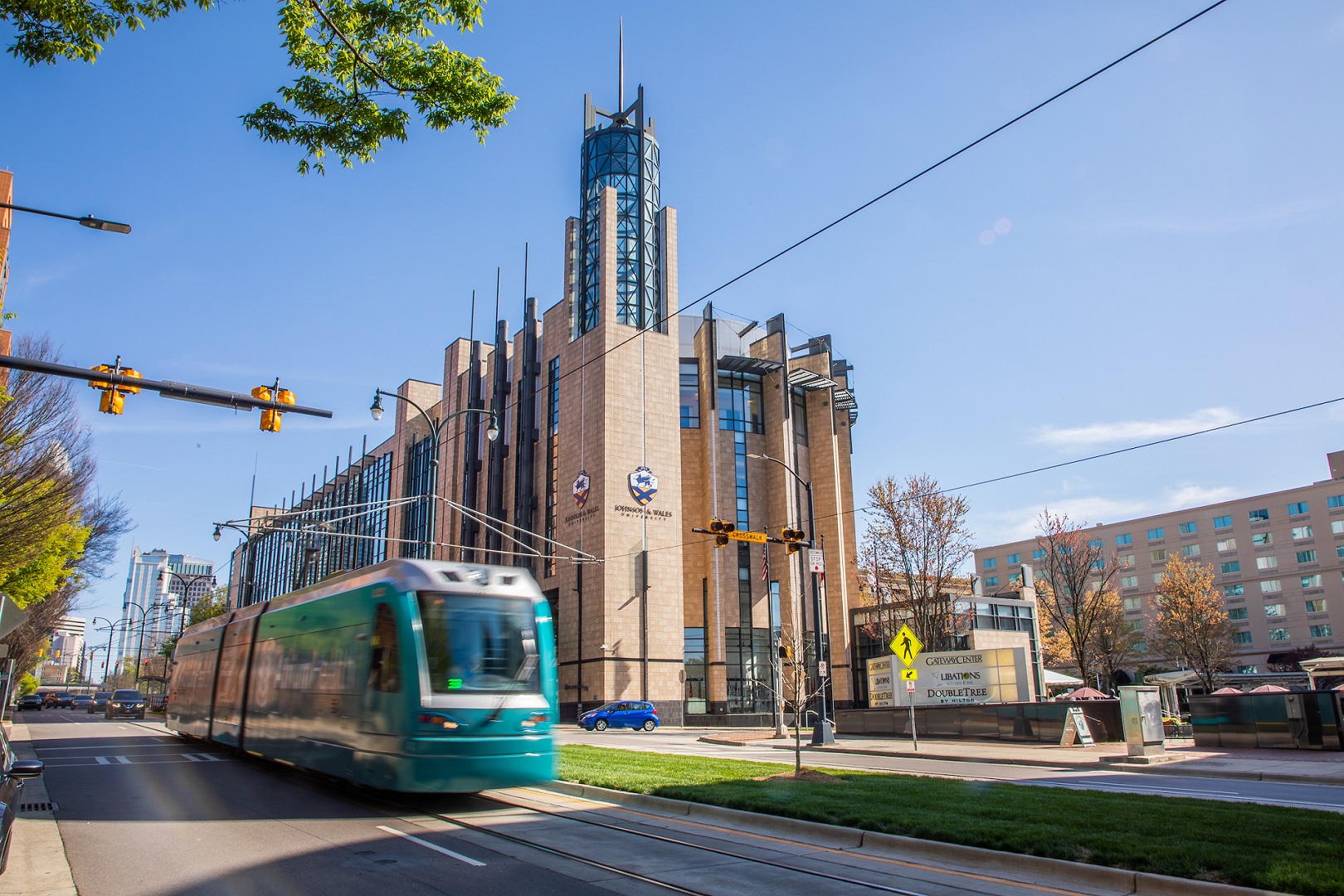
Located in the heart of the Queen City, JWU Charlotte’s glass-fronted and tree-lined campus is within walking distance of Truist Field Ballpark, the Bank of America Stadium, 7th Street Public Market, Romare Bearden Park, and more.
JWU is plugged into Charlotte’s available opportunities and growth, from business to entrepreneurship, food science to culinary arts, and healthcare to hospitality.

Majors & Programs
Whether you’re interested in arts & sciences, business, food innovation, hospitality or health & wellness — including our 16-month accelerated Nursing bachelor of science program — you’ll find what you’re looking for at JWU!
Live & Learn in Charlotte
Join a vibrant campus of more than 1,200 students. Get involved in more than 30 student-run clubs, plan events and stay active in our Wildcat Center, which houses a fully-equipped fitness center and a 600-seat gym.
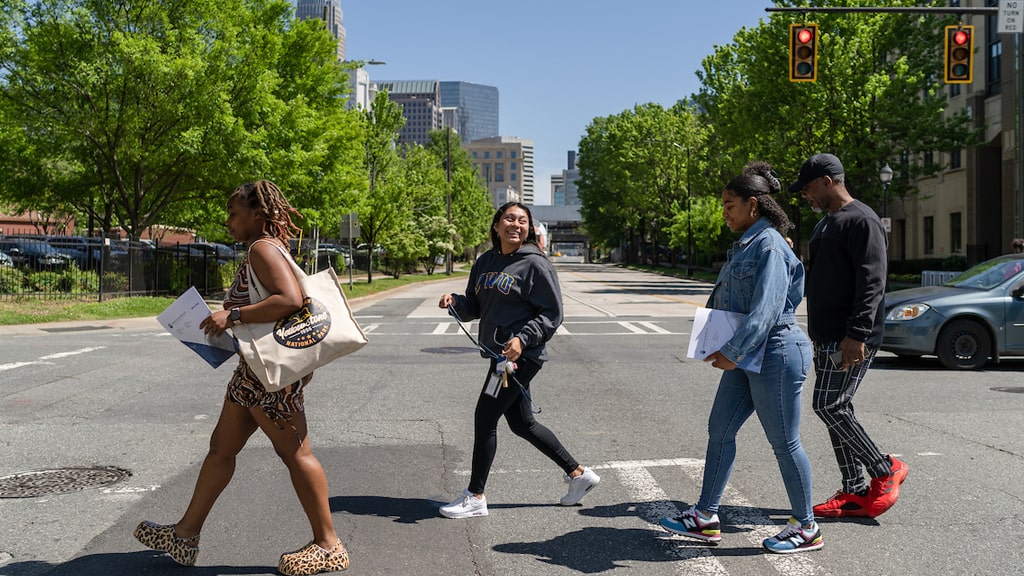
JWU’s Guide to Charlotte
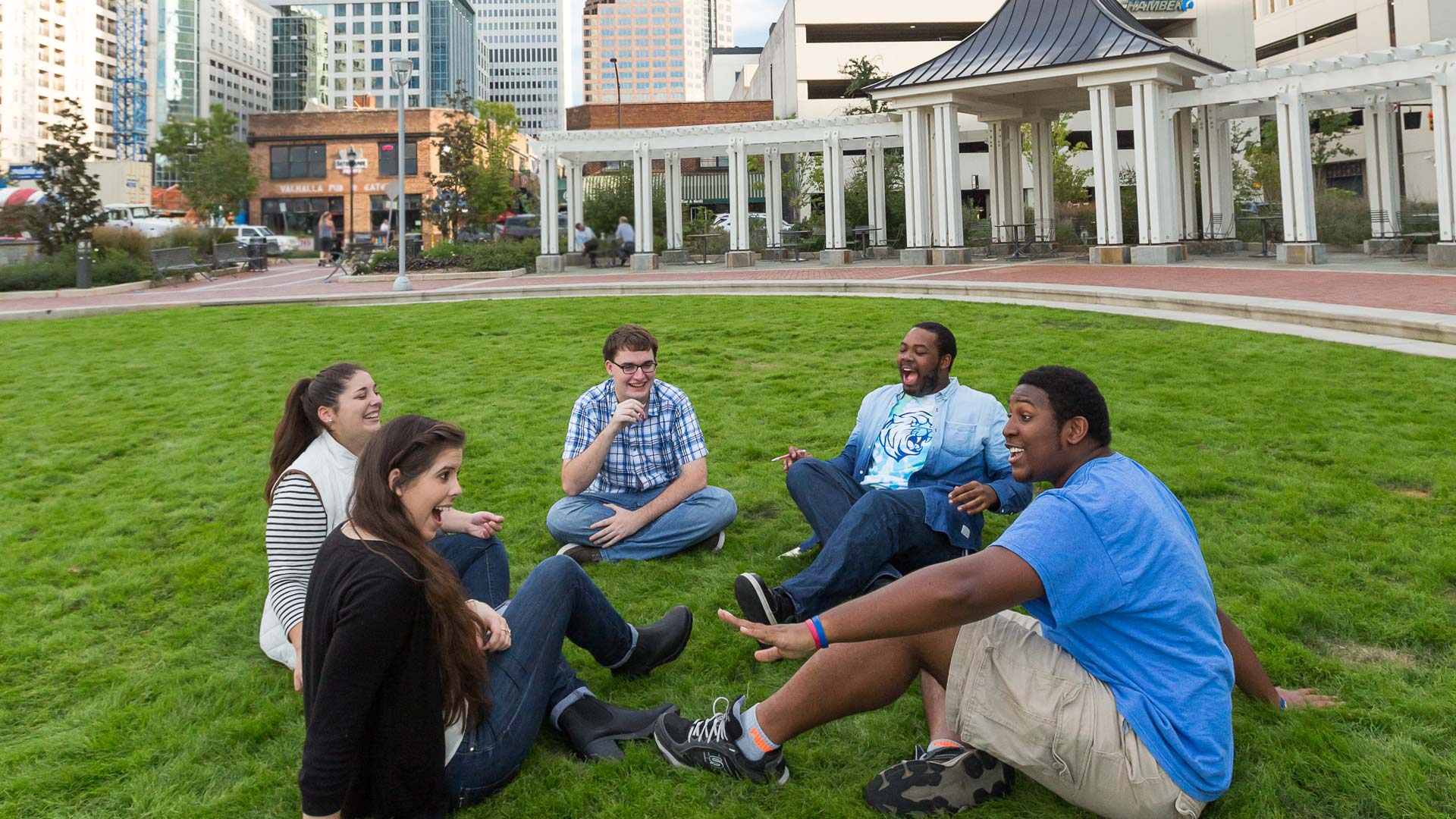 Greater Charlotte enjoys more than 200 days of sunshine a year, making it ideal for outdoor activities like whitewater rafting, golfing and canoeing. Charlotte is a sports hub and a base for the US motorsports industry, including NASCAR and the Charlotte Motor Speedway.

Small Classes, Big Impact
At JWU, class sizes are kept small to create an environment that fosters student success. By blending classroom knowledge with real-world experiences, we offer dynamic programs designed to mold critical thinkers and career-ready professionals.
Level Up Your Game
The Charlotte Campus features 14 varsity athletic teams and is a member of the USCAA. The 30,000-square-foot Wildcat Center houses athletics, event space for clubs/organizations and student events, exercise rooms, a fitness center, gymnasium, locker rooms and the Wildcat Den.